Notion · Instagram

Your Instagram grid, live inside Notion.

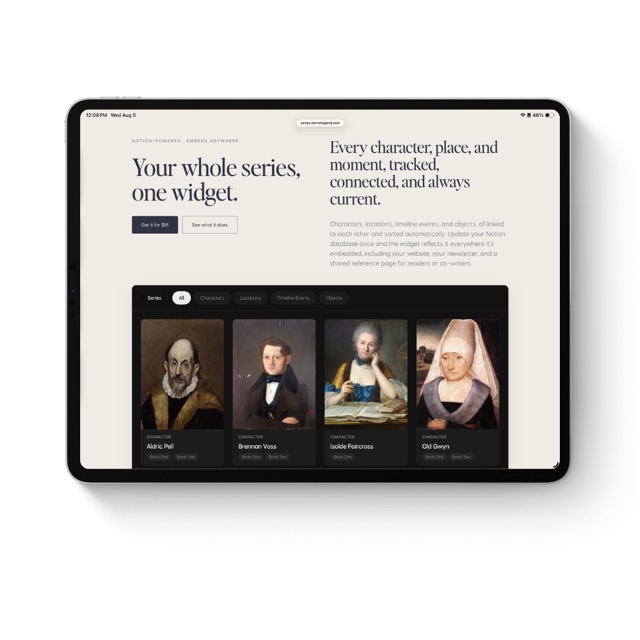
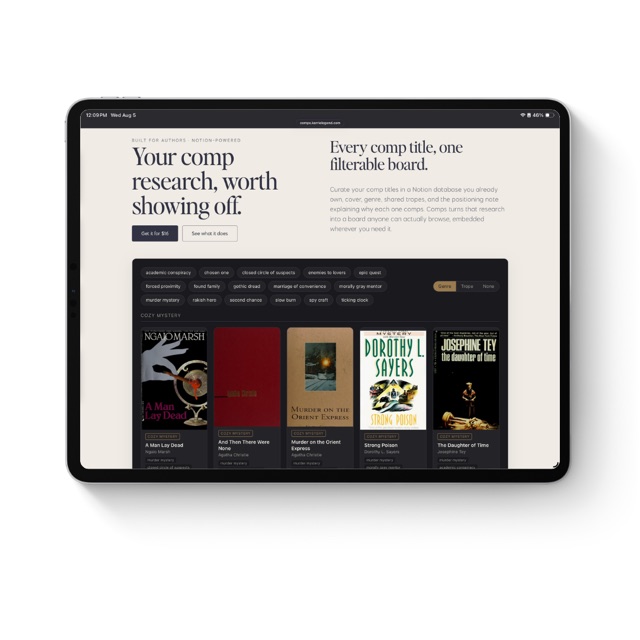
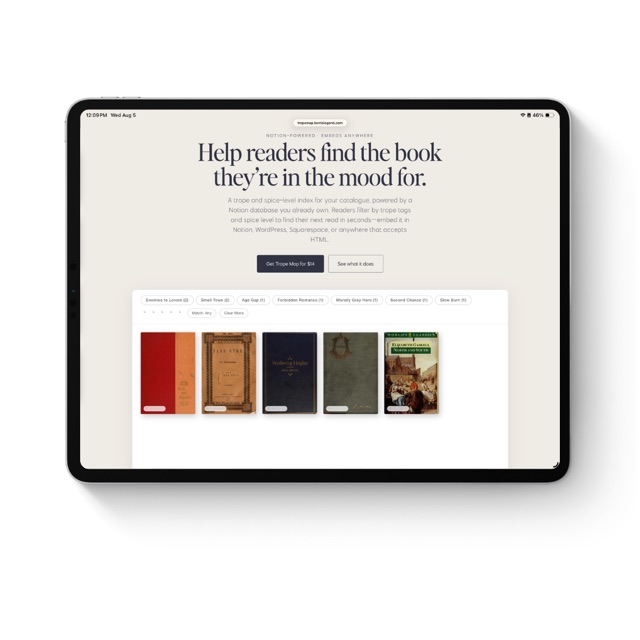
Embed a living, always-updating grid on any Notion page, drawn straight from your own Notion database. Plan an Instagram feed, or showcase products, published books, and shoppable collections. Set it once; it stays in sync.

Beyond Instagram

One grid. Many uses.

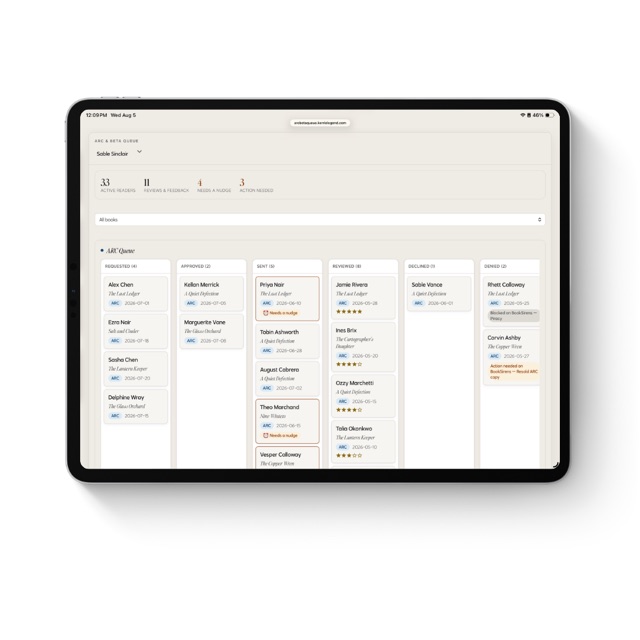
Product showcase

Lay out a product line or shop in a clean, shoppable grid.

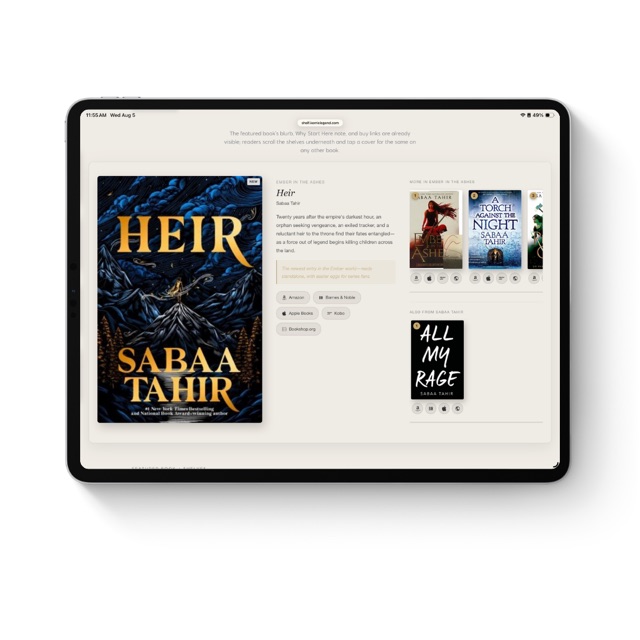
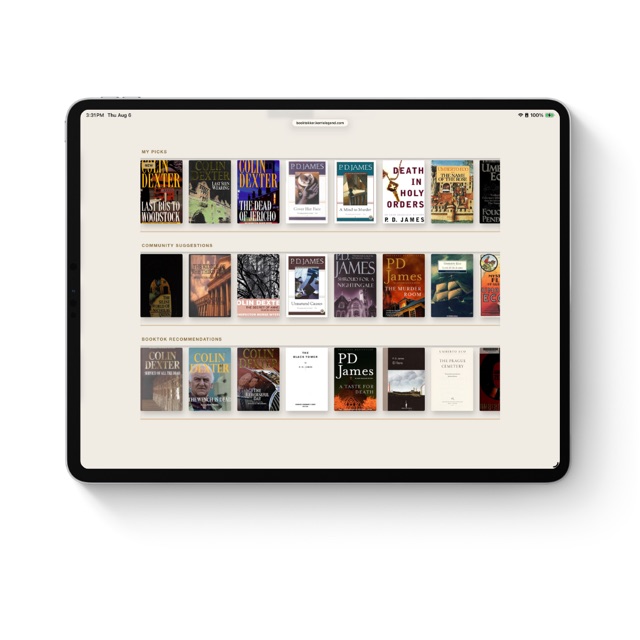
Author bookshelf

Display your published titles with covers that link out to buy.

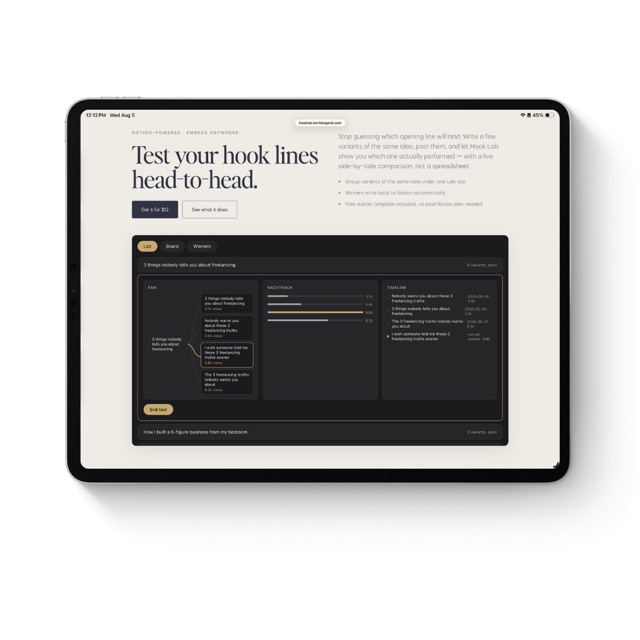
Curated collections

Build a seasonal or themed collection board for any campaign.

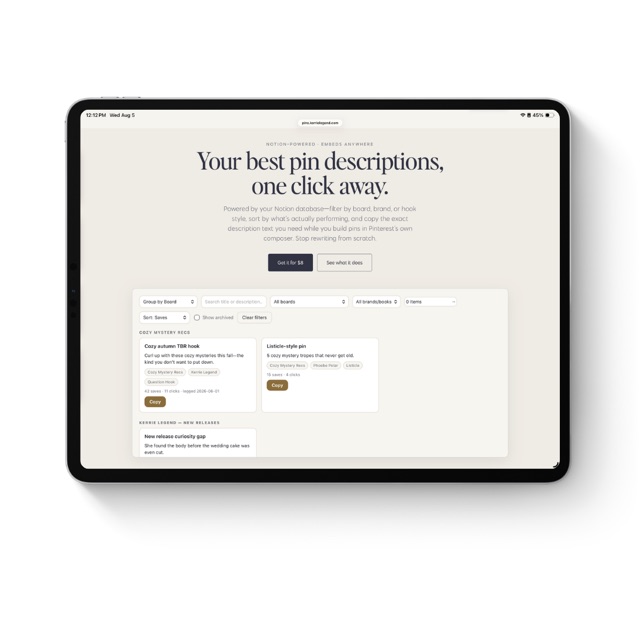
Portfolio & moodboards

Show photography, designs, or inspiration as an editorial grid.

Why it works

Your feed, planned with intention.

Plan where you already work

Your content lives in Notion. Now your feed does too—no new tool, no extra busywork.

See it before you post

Watch your whole grid come together and fix what's off before anything goes live.

Make it unmistakably yours

A polished, always-in-sync grid for every brand you run—one payment, yours for good.

What it does

Everything the widget does for you.

Grid preview

Your whole feed in front of you before anything goes live. No more posting and hoping it looks good.

Live Canva designs

Your Canva posts show up in the grid and update when you do—no exporting, no re-uploading.

Web images

Paste an image URL and it just appears. No downloading, no uploading, no fuss.

Videos & carousels

Play videos and swipe through carousels right in Notion—exactly how your audience will.

Filter your feed

Slice the grid by platform, status, brand, product, or campaign. Pull up one client, one launch, or every post advertising a product—instantly.

Reorder & pin

Hit Arrange and drag posts until it feels right, sort by date, and pin your best to the top.

Link out from any post

Add a post's live URL and the pop-up shows a View post link, so a tile can send people straight to the real thing.

Portrait or square

Switch the whole grid between a portrait (4:5) or square (1:1) layout to match the look you're after.

Bio header & highlights

Add your name, bio, website link, and a row of story highlights, with no cap on how many. It looks like the real thing.

Always in sync

Update your Notion database, refresh, and the grid reflects it. Connect once and you're done.

Unlimited widgets + updates

Build as many as you want for any account, and every future feature is included, free.

Pricing

One payment. Yours for good.

$18 one-time
  • Unlimited widgets
  • Always-updating grid from Notion
  • Drag-to-reorder posts
  • Bio header + story highlights
  • Lifetime access—no subscription
Get it for $18

Instant delivery. Your private setup link is emailed right after purchase. All sales final.
FAQ

Questions, answered.

What is this, exactly?
A widget that turns a Notion database into a living Instagram-style grid, right inside your workspace. You plan and preview your feed in the same place you already work, instead of jumping to another app to see how it'll look.
How do I get access after I buy?
You get a private setup link by email the moment you purchase, along with the full setup guide. There's a short one-time setup to connect your Notion database; after that it stays connected and just refreshes.
I lost my setup link—what do I do?
No problem. Go to grid.kerrielegend.com/recover, enter the email you bought with, and your link is resent to that address. It's the same link as before, so anything you've already built is still there.
Do I need to be techy?
Not at all. If you can use Notion, you can use this. Setup is a one-time thing and the guide walks you through every step.
What can I show in the grid?
Image attachments, images from any web link, live Canva designs with no exporting, videos, and multi-photo carousels. Tap any tile to view it full size.
What makes yours different?
No stripped-down free version, so every feature is included. You also get story highlights, full brand customization for the bio header, filtering by platform, status, brand, product, and campaign, and auto date-switching: drag a post to reorder and its publish date reshuffles to match, so your calendar stays honest.
Can I filter what shows in the grid?
Yes—from your private edit link. Tag your posts in Notion and your edit link gives you dropdowns to filter by platform, status, brand, product, or campaign, so you can quickly pull up one client's work, a single campaign, or everything tied to a product. Public embeds stay clean and view-only, so visitors just see the grid you've set.
How many widgets can I make?
As many as you want. Each one connects to a single Notion database, so you can run separate grids for your own feed, your clients, your products, or a collection.
Is there a limit on posts or highlights?
No caps from me. Your grid and your story highlights show as many as you add—the only limits are Notion's own. You can also switch the whole grid between a portrait (4:5) or square (1:1) layout to match your style.
Do I need a paid Notion plan?
No. It works on Notion's free plan, so if you can make a database, you're set.
Can I use a database I already have?
Yes, as long as it has the required properties. If your column names are different, just rename them to match the setup guide.
What's your refund policy?
Because it's a digital product delivered instantly, all sales are final. If something is genuinely broken, reach out and I'll make it right.
Is this made by Instagram or Notion?
No, it's an independent tool and isn't affiliated with Instagram, Meta, or Notion.
What's new

Always improving—free for you.

July 7, 2026
  • Reordering now saves reliably—your custom order is written back to Notion instead of showing “Couldn’t save.”
July 5, 2026
  • Drag-to-reorder now works reliably inside your embedded Notion grid—posts stay where you drop them.
June 30, 2026
  • Embeds are now view-only—visitors can browse your grid but can't touch filters, sort, or settings. Your private edit link (with full controls) is in your setup page.
  • Embed anywhere: copy a ready-to-paste iframe snippet from your setup page to drop your grid into any website, blog, or portfolio.
June 29, 2026
  • Covers and images now link out—add a URL to any post's Link field and clicking the tile opens it directly.
June 26, 2026
  • Get started in one click with a ready-made Notion template—your Grid and Story Highlights databases arrive pre-built, ready for your content.
  • Dark mode: the grid now follows your system theme automatically.
  • New Product and Campaign filters, plus a clearer Arrange button for drag-to-reorder.
  • Faster loading on large feeds.
June 25, 2026
  • Carousels: swipe through multi-photo posts right in Notion.
  • Videos and reels play inline in the grid and the pop-up viewer.
  • Live Canva designs embed and stay in sync—no exporting.
  • Filter your feed by platform, status, and brand.
  • Website link in your bio, publish dates in the post view, and a grid that scales to any embed width.
June 22, 2026
  • Multi-widget foundation: every grid connects to its own Notion database.
Kerrie Legend

Your compass to an independent creative life. Books, posts, and solutions for creatives charting their own course to a sustainable, independent business.

kerrielegend.com